

Installation Guide
Android & iOS
- Click Download APK.
- Open the file you just downloaded.
- If blocked, go to Settings > Security & privacy > More security settings > Install unknown apps, Select Chrome, then turn on Allow from this source.
- Click Download iOS.
- Install the app and then open it.
- To fix the Untrusted Enterprise Developer, go to Settings > General > VPN & Device Management.
- Tap the developer name, then choose Trust. and then Allow & Restart.
FAQ
Quick solutions
Android APK Problem
Download not start?
Your device maybe not enough storage. Free some space then try again.
Watch Tutorial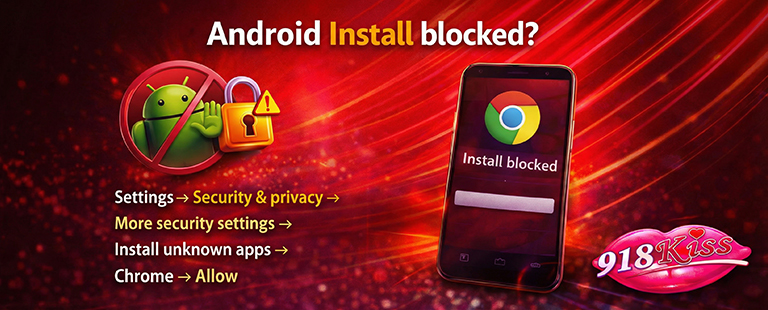
Install blocked?
Settings → Security & privacy → More security settings → Install unknown apps → Chrome → Allow.
Watch Tutorial
Parse error / install fail?
File maybe corrupted or not compatible with your device. Before reinstall, delete downloaded APK, restart device, then download again.
Game crash after open?
Sometimes app conflict after recent update. Uninstall app first, then reinstall latest version.
iOS Install Problem
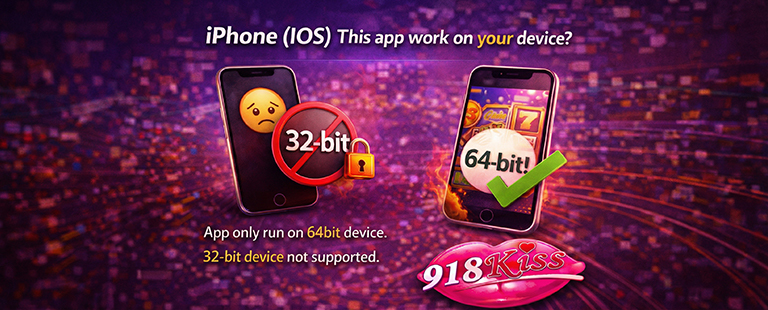
This app work on your device?
App only run on 64bit device. 32-bit device not supported.
Watch Tutorial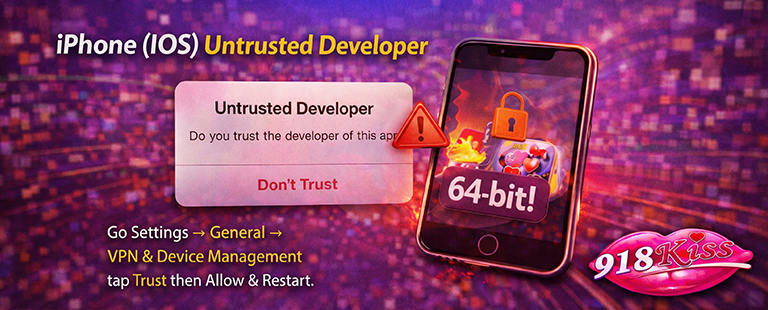
Untrusted Developer
Go Settings → General → VPN & Device Management tap Trust then Allow & Restart.
Watch Tutorial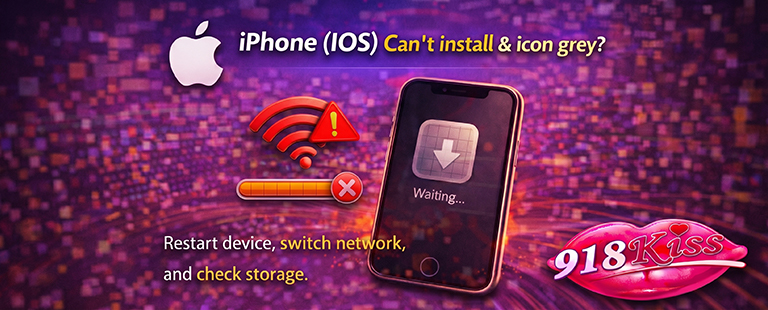
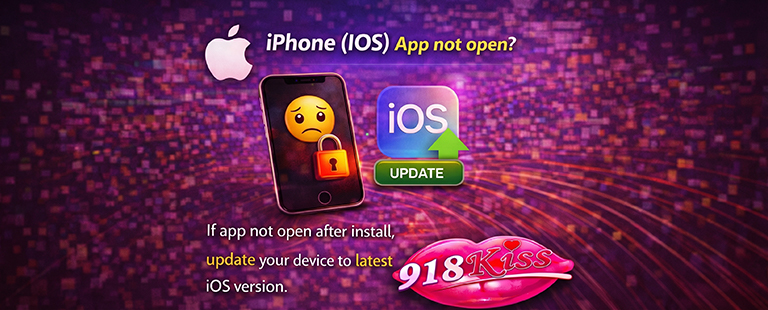
App not open?
If app not open after install, update your device to latest iOS version.
Watch TutorialVersion Info
Keep 918kiss app updated for best performance & security.
Last Updated :2026-05-01T08:23:26+08:00
Android Version :1.2
IOS Version :5.3
APP Support :Android / iOS
Disclaimer: 18+ only.